SQLite, extensions, and Chwilio in practice.
Hands-on guides — including the things you can only do once your SQLite browser can load real extensions.
Encrypt your SQLite databases with SQLCipher (and actually open them)
A plain SQLite file is readable by anyone who gets a copy. SQLCipher fixes that with whole-database AES-256 encryption, but most GUI tools can't open the result. ChwilioCipher can — opening, creating, and re-keying encrypted databases without ever dropping to the command line.
Browse a SQLite database (even an encrypted one) straight from a URL
A SQLite database is increasingly just a URL behind a CDN, but peeking inside one has meant a multi-gigabyte download or a command-line session. Here's what makes opening a database over HTTP hard, and how Chwilio turns it into a paste-and-Return.
SQLite extensions: what they unlock
SQLite ships deliberately small, then lets you bolt on the rest. Loadable extensions add full-text search, spatial queries, vector search, regular expressions, cryptography, and statistics — the pieces other databases bundle by default. Here's what they unlock, why most GUI tools hide them, and what changes when one doesn't.
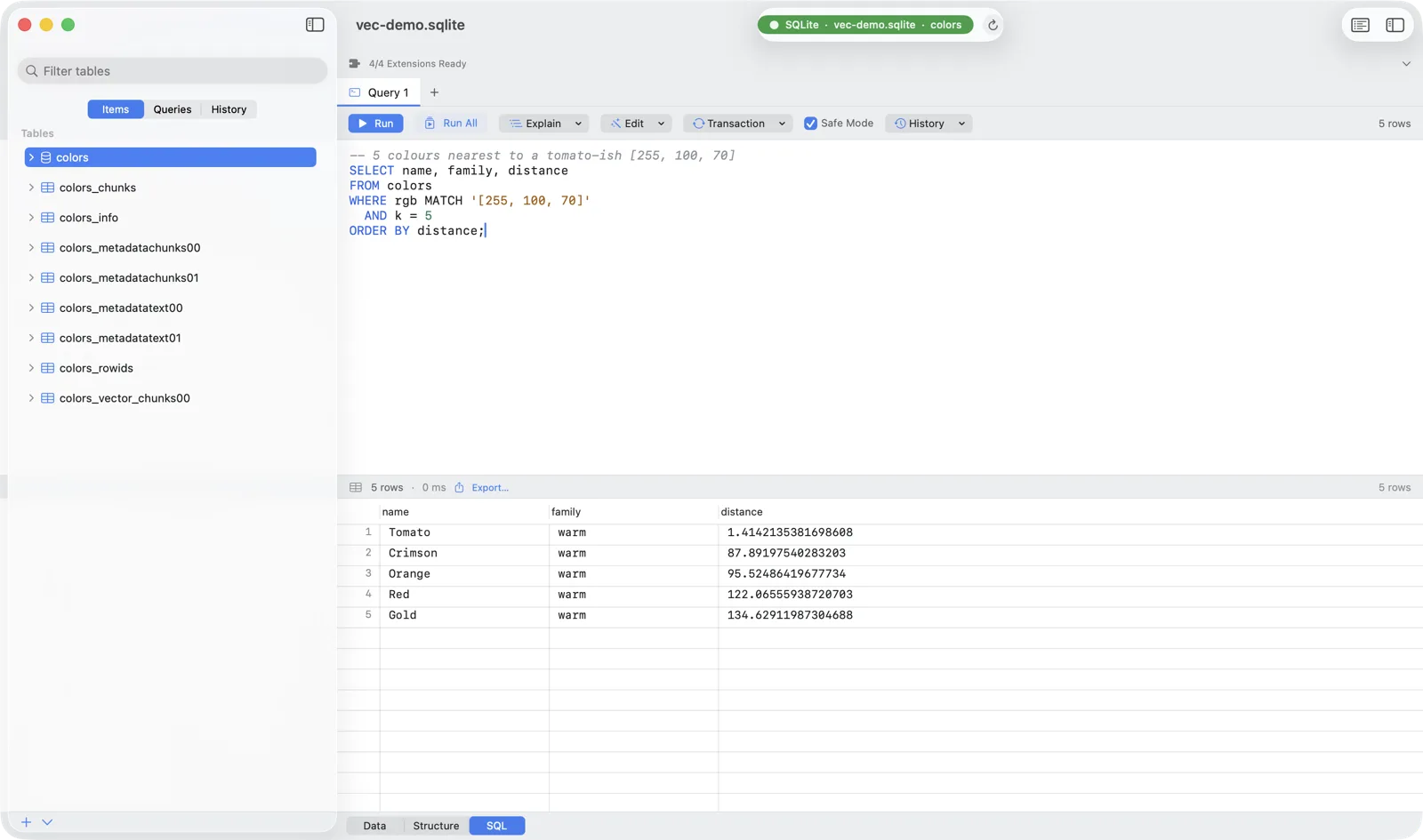
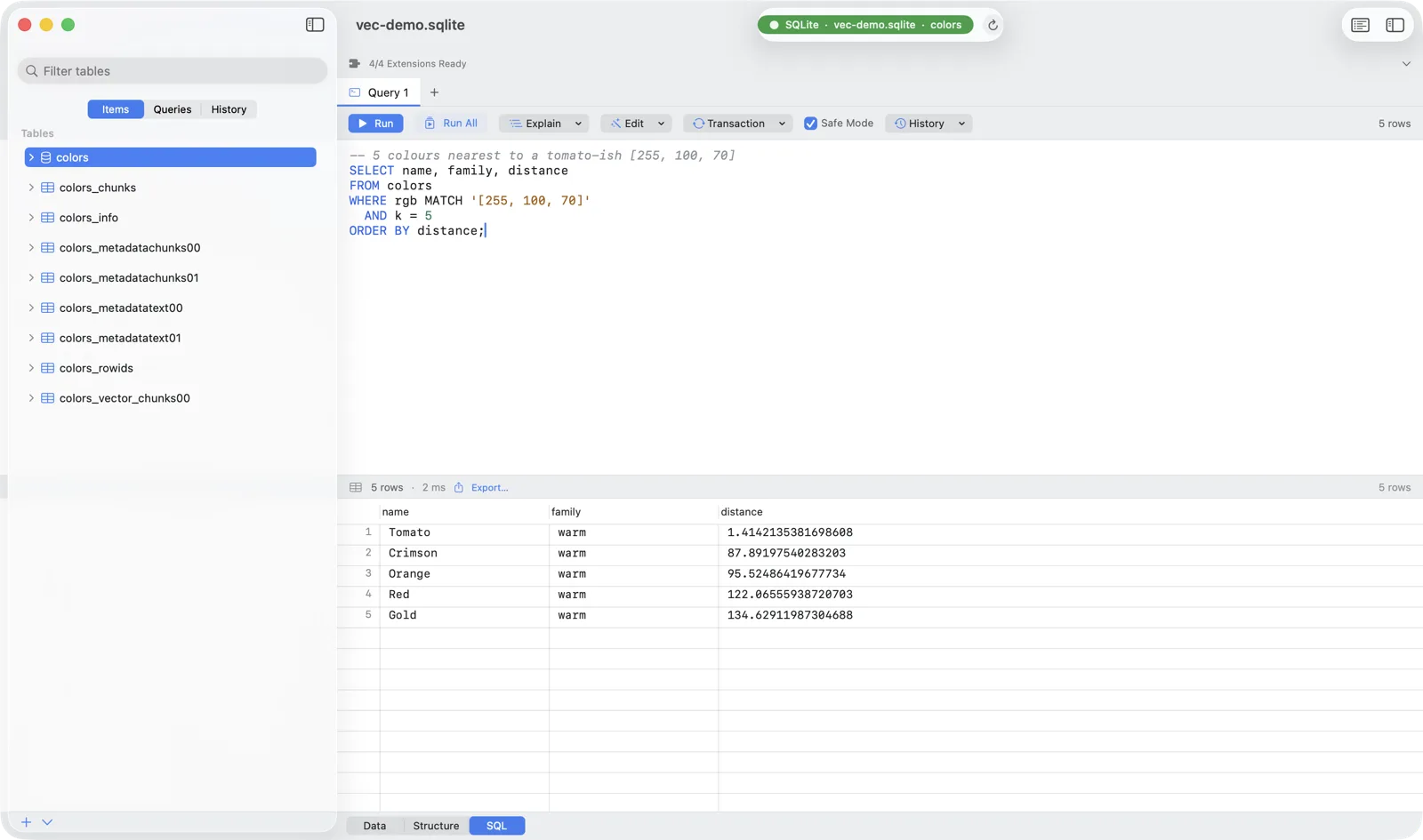
Vector search in SQLite: using sqlite-vec with Chwilio
Load Alex Garcia's sqlite-vec extension in Chwilio and run real vector search (K-nearest-neighbours, metadata filtering, distance functions) against an ordinary SQLite file. The engine behind semantic search and RAG, in a single file.
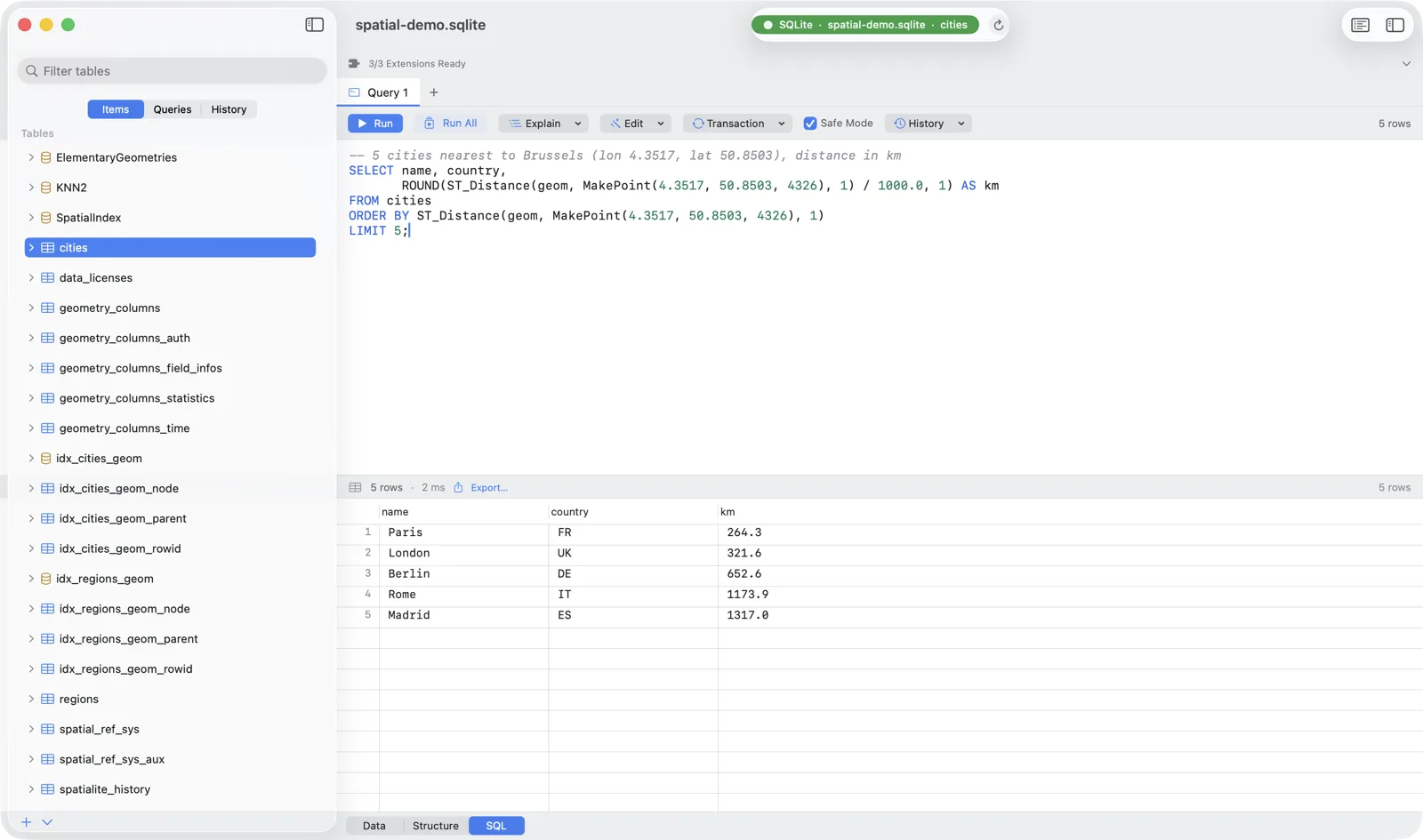
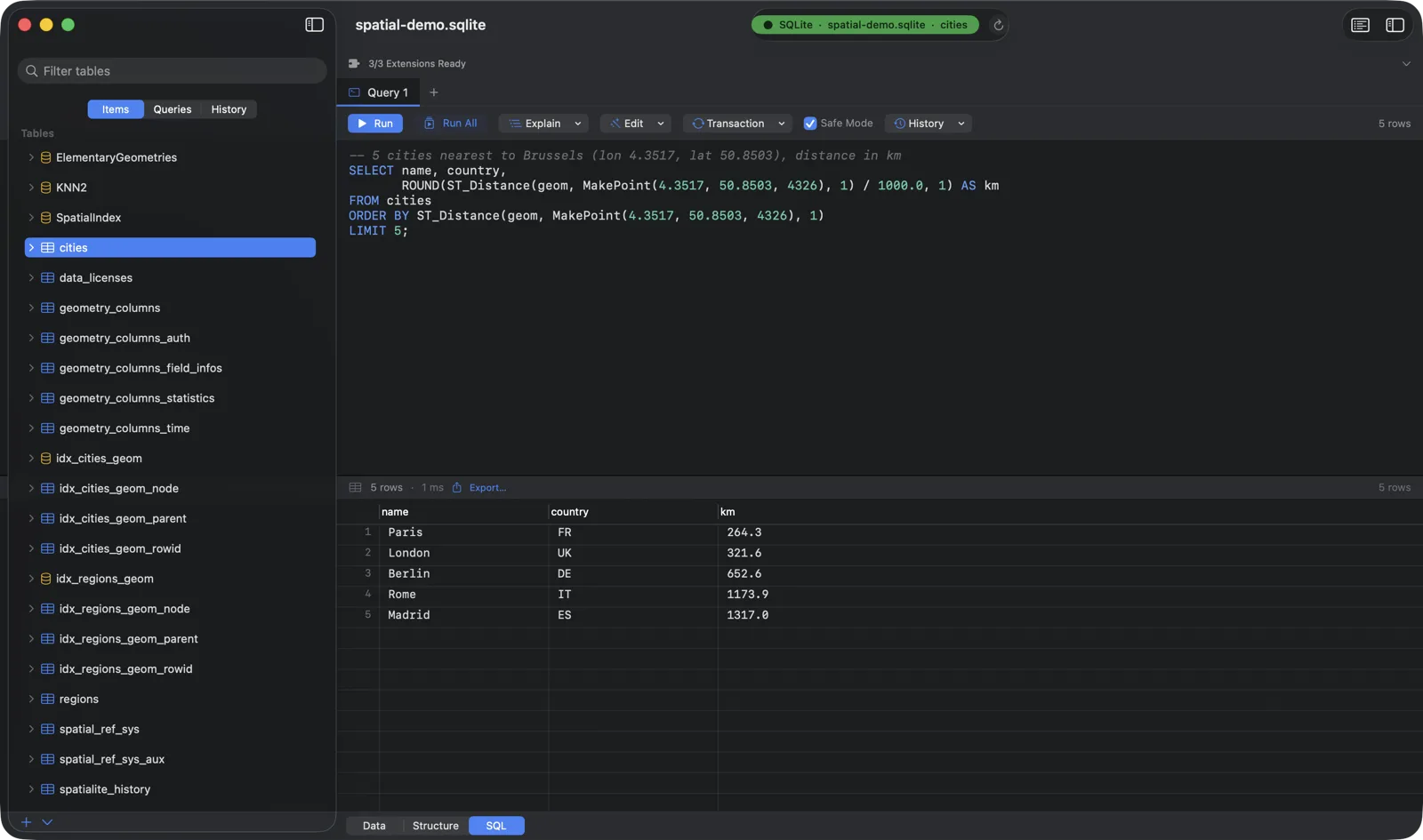
Spatial SQL on the desktop: using SpatiaLite with Chwilio
Load the SpatiaLite extension in Chwilio and run real Spatial SQL (nearest-neighbour, point-in-polygon, distance, area, reprojection) against an ordinary SQLite file. No server, no PostGIS.